My Fail-safe Settings Worked - Thank Goodness! (A Drone Operator Story)
Knowing temperatures are going to drop well below freezing in the next day or two meant today I went out in my canoe for a pleasant paddle outing. My time on the water was very nice and I guess I am ready to pull my dock out (not really, but I have to). (Note: I can still paddle with the dock out. Dock removal is just my final winter prep detail that I do not look forward to. Paddling will continue.)
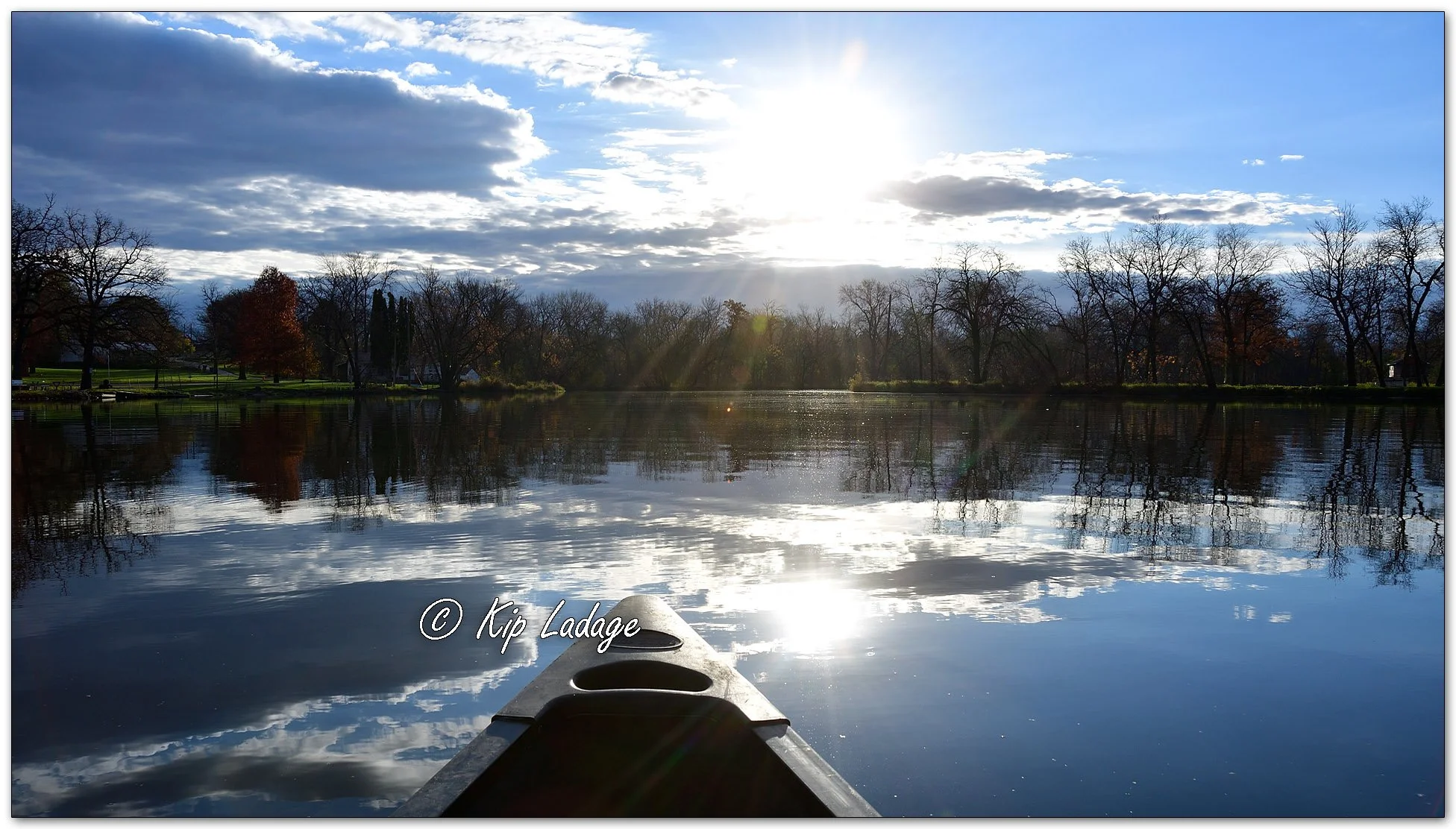
Canoeing the Wapsipinicon River - Image 1171813
As the pictures show, most of the leaves have fallen. Still, the river was pretty and a nice way to begin my day.
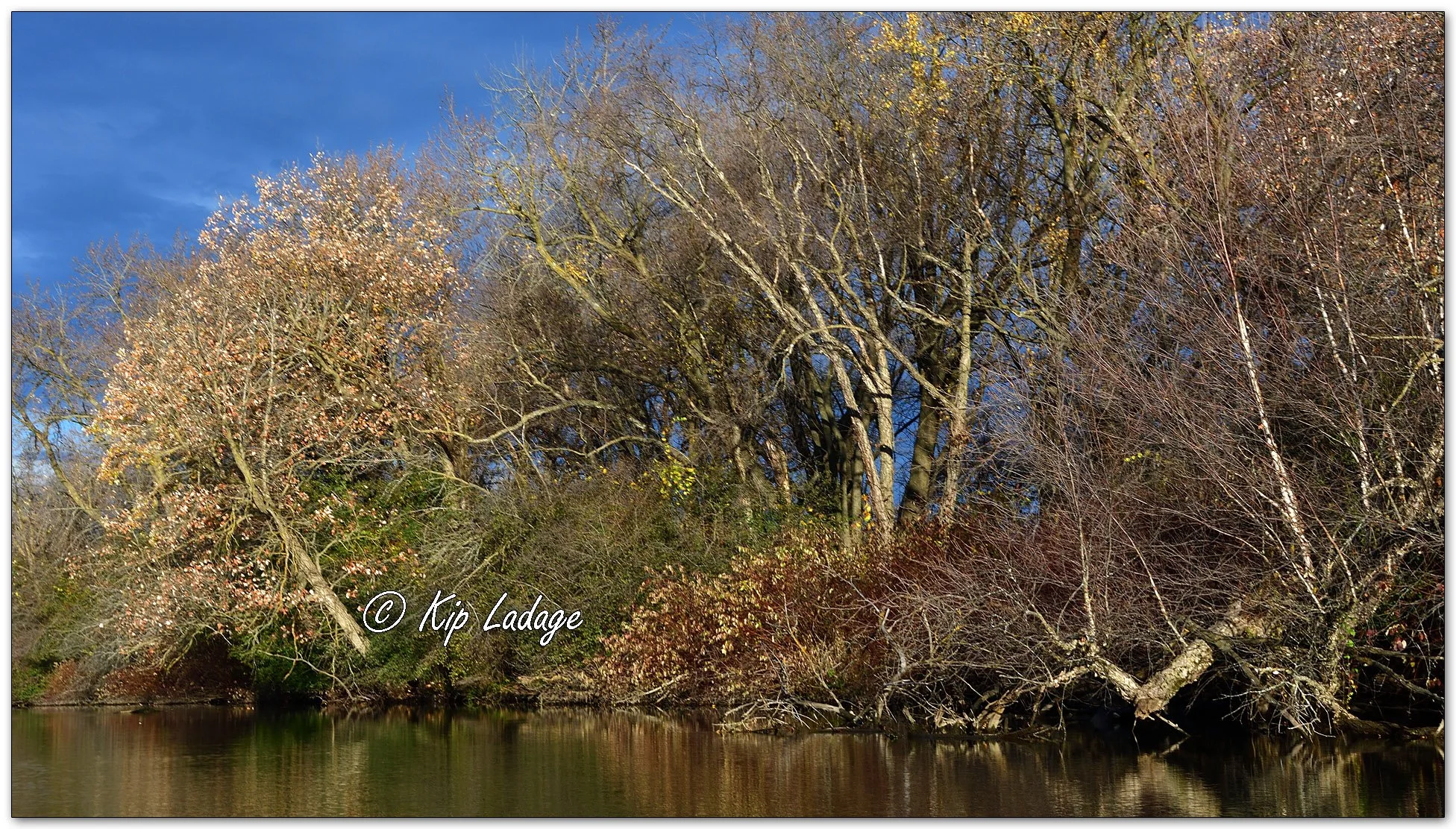
Wapsipinicon River Scenic - Image 1171188
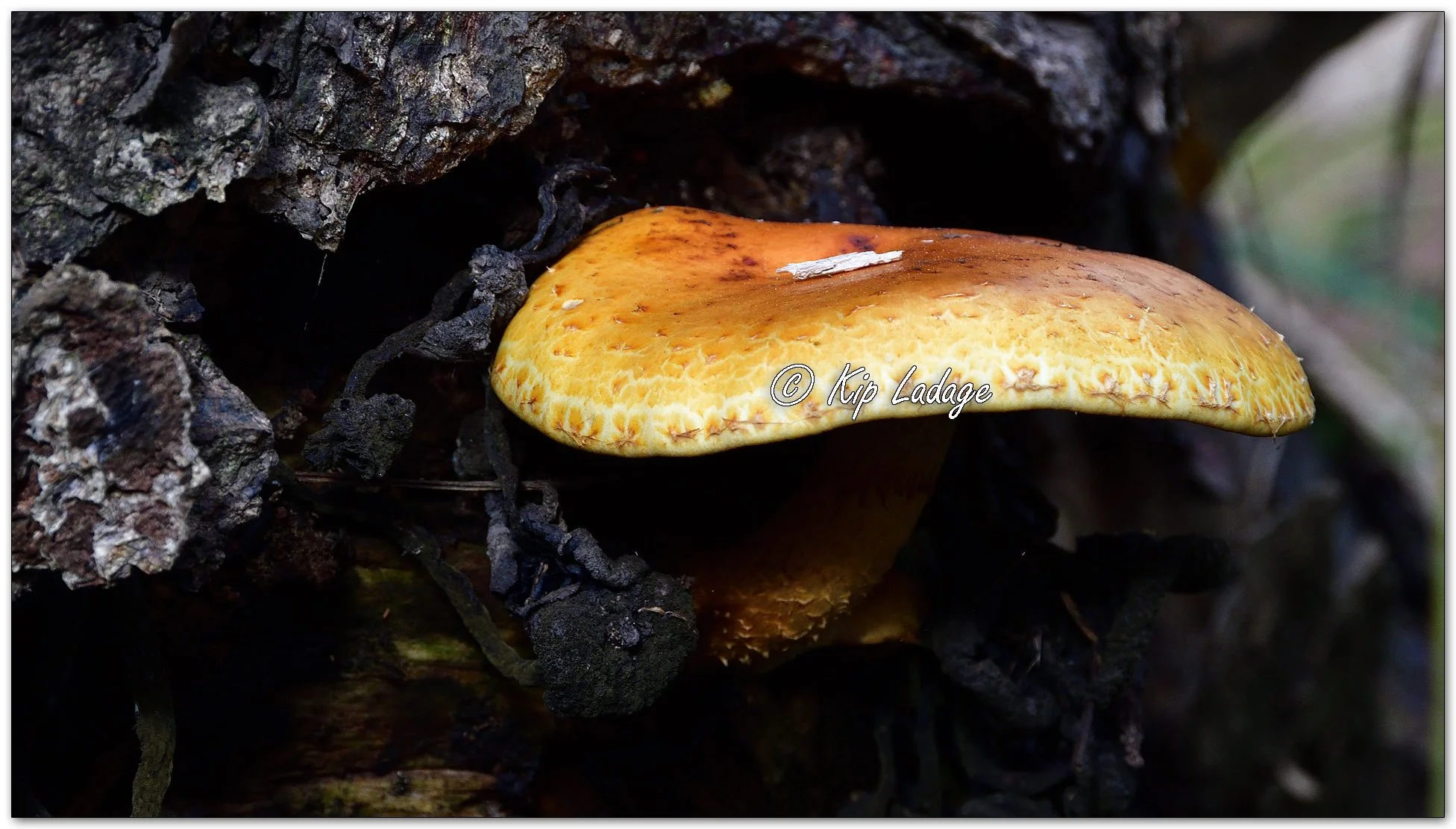
Golden Pholiota - Image 1171875
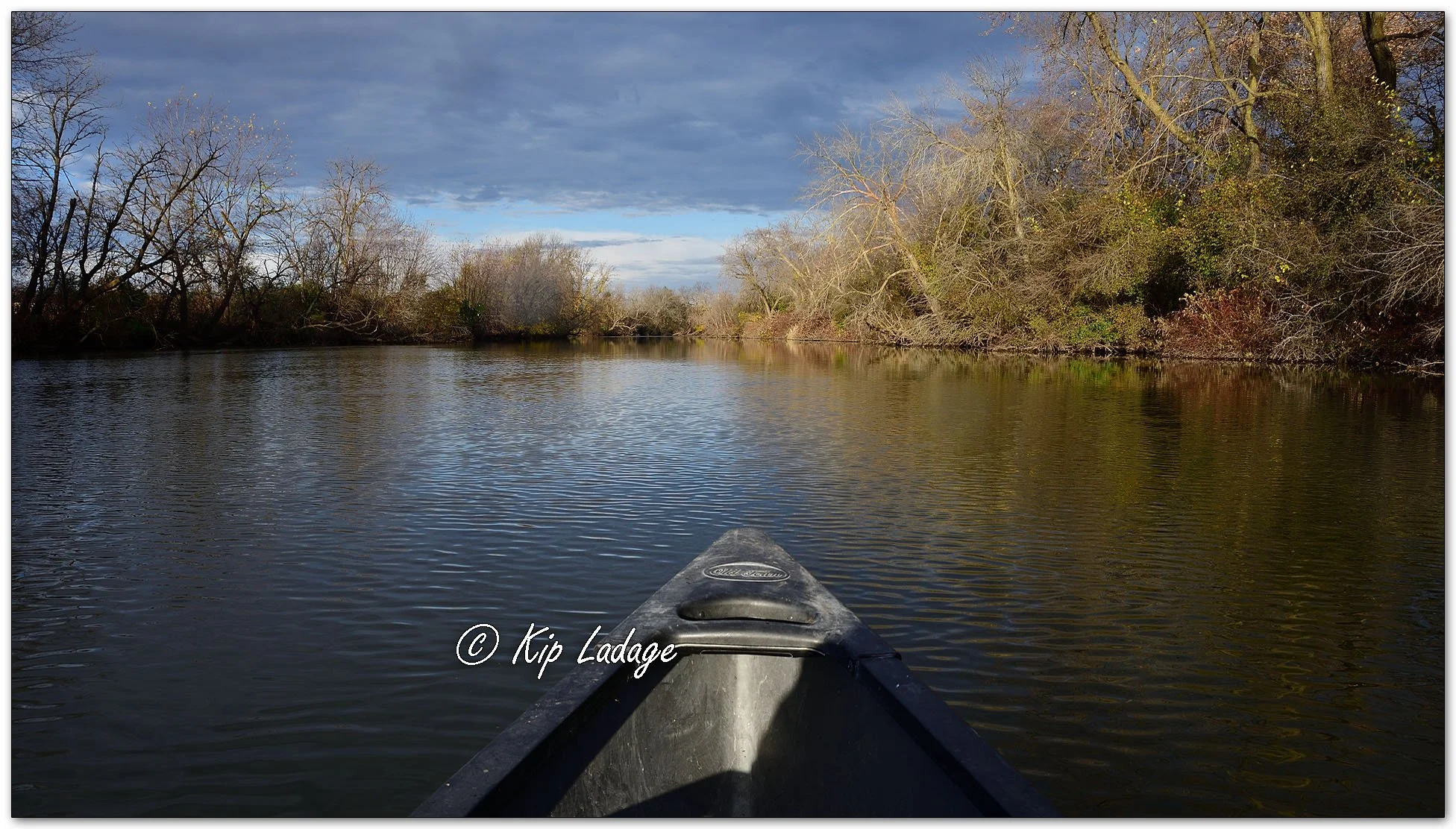
Canoeing the Wapsipinicon River - Image 1171823
After getting off the water I took a short drive where I saw quaking aspen trees - some of my favorite - within drone reach for photos. Soon after, my excitement for the day began. This will get technical; I hope it makes sense. Maybe my description of what happened to me will help others who fly drones.
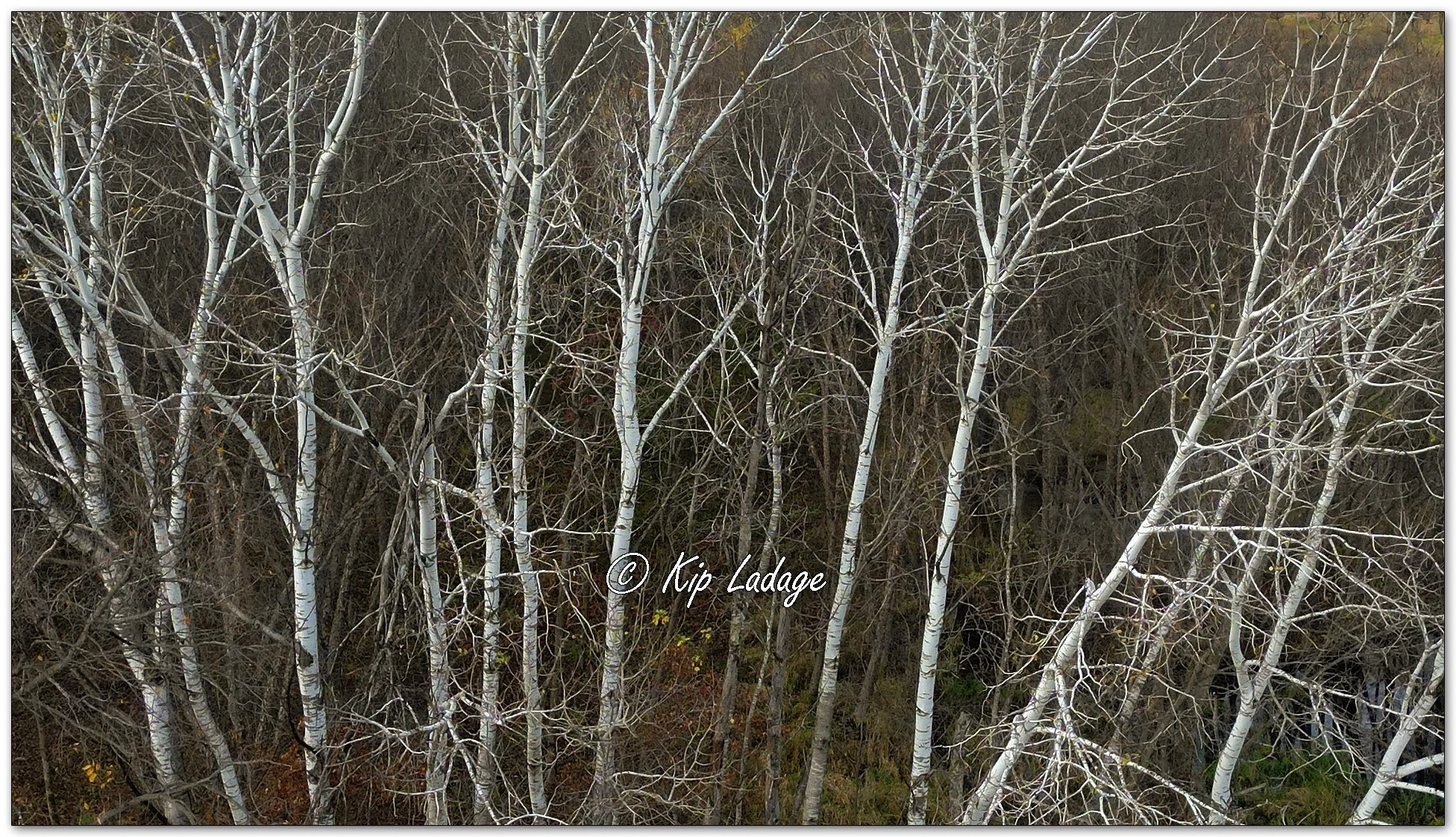
Quaking Aspen Aerial - Image 1171892
I launched my drone from the top of my Jeep. As the blades created air movement, the drone began to slide. By lifting it into the air I avoided it sliding off the roof of the Jeep. My plan was to hand catch the drone on its return. This became a critical detail later.
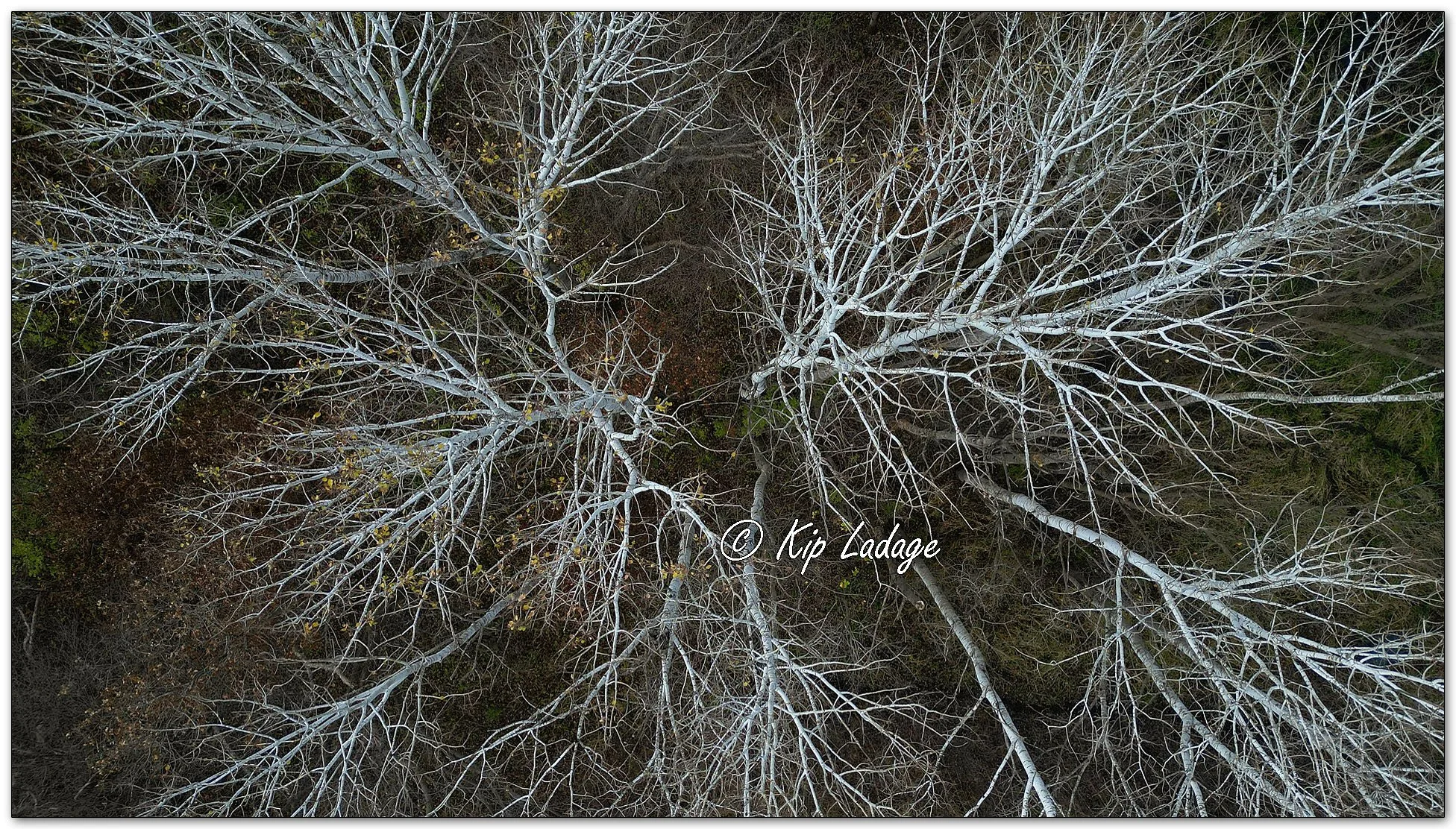
Quaking Aspen Aerial - Image 1179912
I flew my drone out and shot my photos as intended. As the drone was writing the digital file data to the memory card I noticed the write process was taking longer than normal. My best guess was the increased write time was a result of me switching the drone to recording JPG images along with the larger RAW files. Saving both file formats could take more time, or so I speculated. The fix I opted to choose was to go into my settings to deselect saving RAW files. For a yet unknown reason, when I deselected saving RAW files, my remote controller disconnected from my drone. I had a drone in the air that I not only could not view the output of the camera, but I could not control it. My drone was on its own!
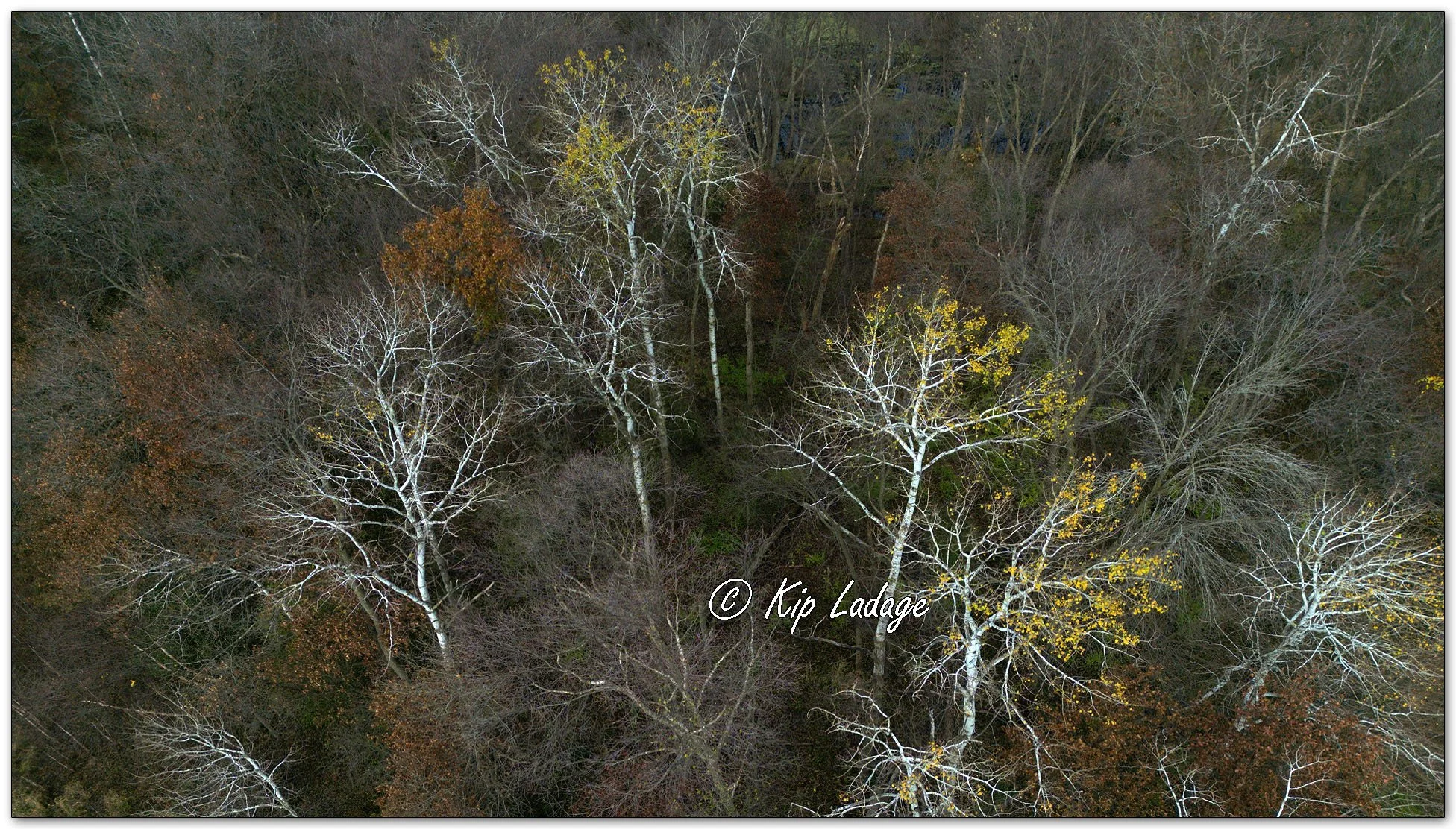
Quaking Aspen Aerial - Image 1171929
In hopes of safely bringing my drone back I pressed my “Return to Home” button. That button, if it worked, would cause the drone to fly back to where it took off from. It is possible/likely that when the connection was lost between the drone and controller the return to home fail-safe kicked in. Regardless, my drone flew back to me. (I still had no control and no display to reference. All was happening automatically as I had the drone set to do.)
Soon I could hear the sound of a swarm of hornets flying overhead - my drone returned to me and was descending. The concern then became the drone landing on top of the Jeep. Remember when I mentioned the drone slipping. That process was about to happen again. What could I do when I could not control the drone?
Whether I was ready or not my drone was coming down to a slippery surface where it was likely to slide off, possibly to a very expensive crash to the ground. When my drone was within a foot or so of my Jeep I held my hand out to catch it. Again, another safety setting on the drone activated and the drone rose above my hand and hovered. My drone recognized me as an obstacle. Now I had a drone a foot or two above my Jeep and above my reach and I was still unable to control it. What could I do that would minimize my chances of an expensive crash landing?
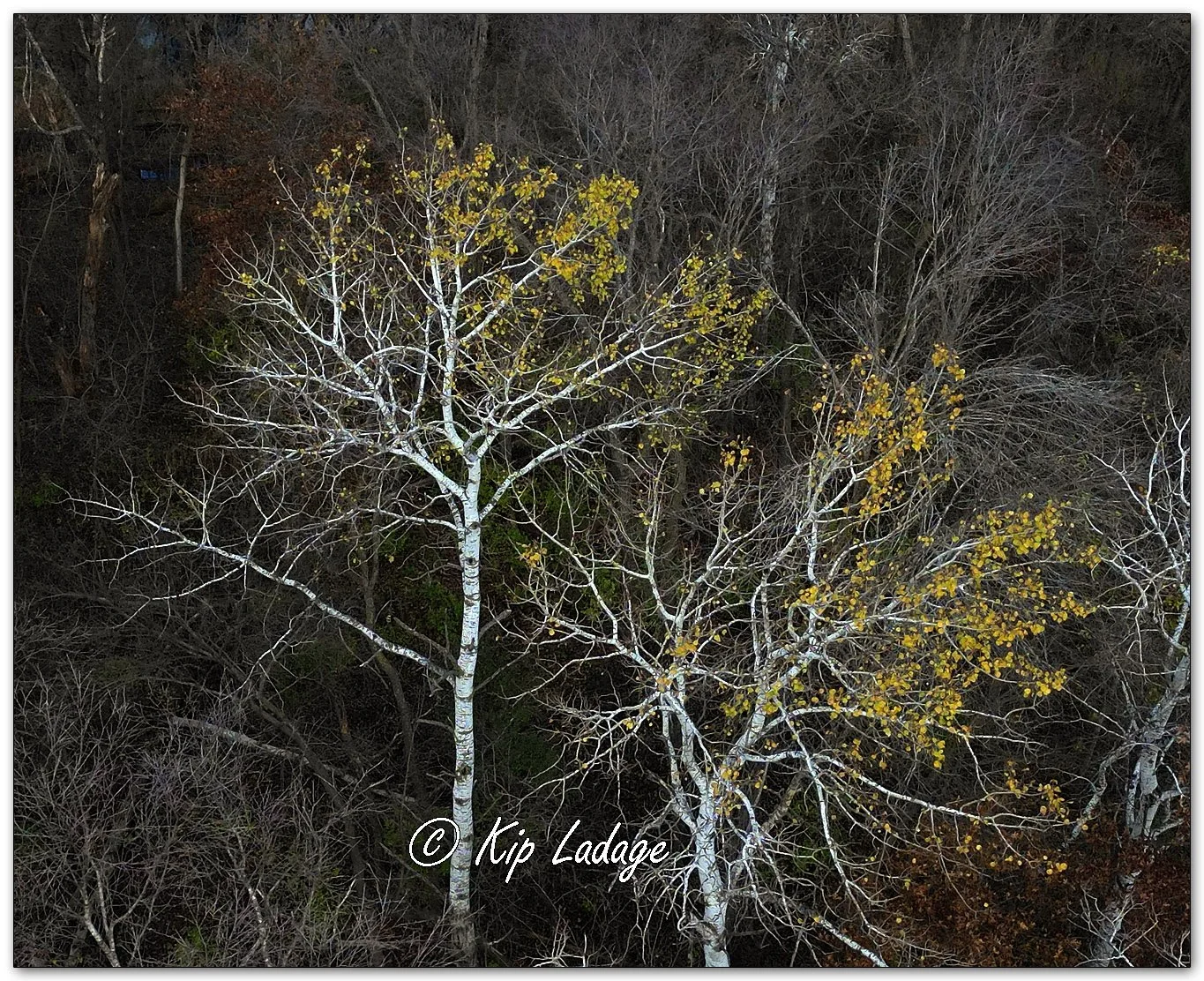
Quaking Aspen Aerial - Image 1171939
After waiting a minute or two to assure the drone was going to hover in place (another setting), I moved my Jeep out from under the hovering drone. Now I could stand under the drone - feeling the moving air and listening to the blades - as the drone hovered a foot or two out of reach. There was nothing I could do but wait. I knew my battery was approaching low-stage so I took off my jacket to use it as a net as I stood under the drone. Eventually, many minutes later, the last fail-safe setting on the drone activated. The drone’s battery charge level was low enough that the drone was coming down - wherever it was. As if the drone and I had rehearsed this move, the drone slowly descended, I quickly dropped my make-shift net and hand caught my drone. There was no damage to any equipment, nothing hit the ground, and I had my pictures.
After returning home I did a hard reset on my drone equipment. I have since reset my settings and should be good to go on my next flight. I don’t ever want to experience a complete disconnect again, but now I have an idea what to do. Oh, and I will not change my camera raw settings again while the drone is in flight either! I learned something today.